Register a release
Once your project’s signers file is active, you can register releases for signing. The backend will index the release assets and start a signature collection round.
Prerequisites
- The repository is registered and the signers file is activated.
- The release is published on the forge (e.g., a GitHub release page exists).
- Your secret key file. See Generate a key pair.
Register a GitHub release
Pass the release page URL:
asfaload-cli register-assets \
    --secret-key ~/.asfaload/mykey \
    --github-release-url https://github.com/acme/tool/releases/tag/v1.0
On success:
Assets registered successfully! Remember you still need to sign it yourself!
Index file path: https/github.com/443/acme/tool/releases/tag/v1.0/asfaload.index.json
The backend fetches the release, creates an index of the assets, and waits for signatures.
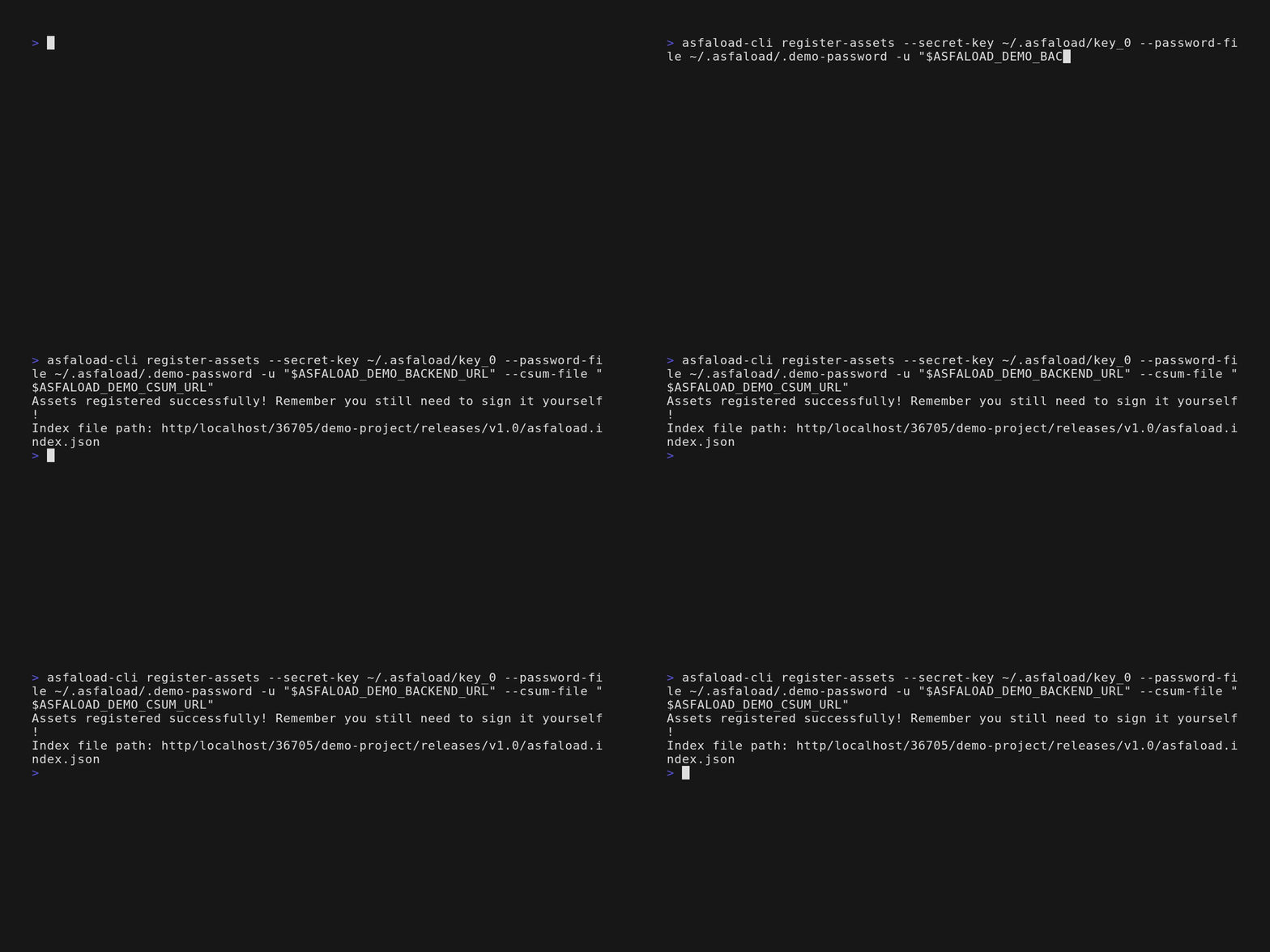
Register a release from other hoster [EXPERIMENTAL]
Github is currently the only forge publishing digests of the releases’ artifacts. If you publish releases on other forges or an http file server, your release needs to
publish a checksums file (using sha256sum or sha512sum). It is that checksums file that you will register with Asfaload.
asfaload-cli register-assets \
    --secret-key ~/.asfaload/mykey \
    --csum-file https://example.com/releases/v1.0/SHA256SUMS \
    --csum-file https://example.com/releases/v1.0/SHA512SUMS
All checksum file URLs must share a common parent path. --csum-file is repeatable; --github-release-url and --csum-file are mutually exclusive.
Re-registration
Registering the same release twice fails — the backend rejects duplicates. Existing signatures are preserved; there’s no risk of losing progress.
What happens next
You registered the release, but you haven’t signed it yet. The backend is now waiting for enough signatures to meet the threshold. See Sign a release.