Register a release
Once your project’s signers file is active, you can register releases for signing. The CLI computes the release index and signs it with your secret key. It sends the index and the signature to the backend. The backend starts a signature collection round.
Prerequisites
- The repository is registered and the signers file is activated.
- The release is published on the forge (e.g., a GitHub release page exists).
- Your secret key file. See Generate a key pair.
Register a GitHub release
Pass the release page URL:
asfaload-cli register-assets \
    --secret-key ~/.asfaload/mykey \
    --github-release-url https://github.com/acme/tool/releases/tag/v1.0
On success:
Assets registered successfully! You have also signed it!
Index file path: https/github.com/443/acme/tool/releases/tag/v1.0/asfaload.index.json
The CLI derives the index from the release metadata and signs it. The backend verifies the signature and the index, then waits for signatures.
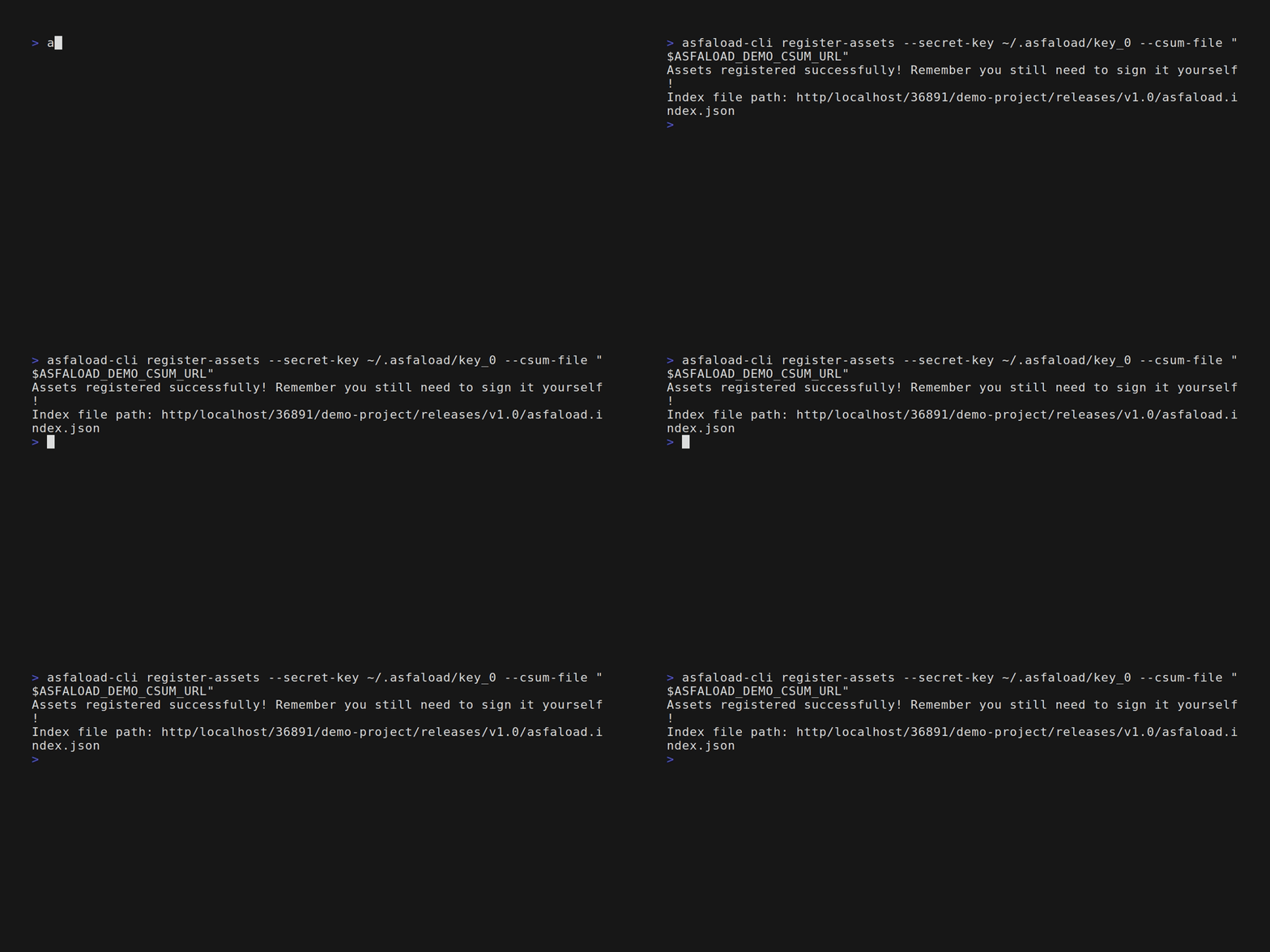
Register a release from other hoster
GitHub is currently the only forge publishing digests of the releases’ artifacts. If you publish releases on other forges or an http file server, your release needs to
publish a checksums file (using sha256sum or sha512sum). It is that checksums file that you will register with Asfaload.
asfaload-cli register-assets \
    --secret-key ~/.asfaload/mykey \
    --csum-file https://example.com/releases/v1.0/SHA256SUMS \
    --csum-file https://example.com/releases/v1.0/SHA512SUMS
All checksum file URLs must share the same origin (scheme, host, and port) and a common parent path. --csum-file is repeatable; --github-release-url and --csum-file are mutually exclusive.
Re-registration
Registering the same release twice fails — the backend rejects duplicates. Existing signatures are preserved; there’s no risk of losing progress.
What happens next
Your signature is recorded at registration. If the threshold is not yet met, the backend waits for more signatures from the other artifact signers. See Sign a release.